Products

One Job File, three ways to work with it

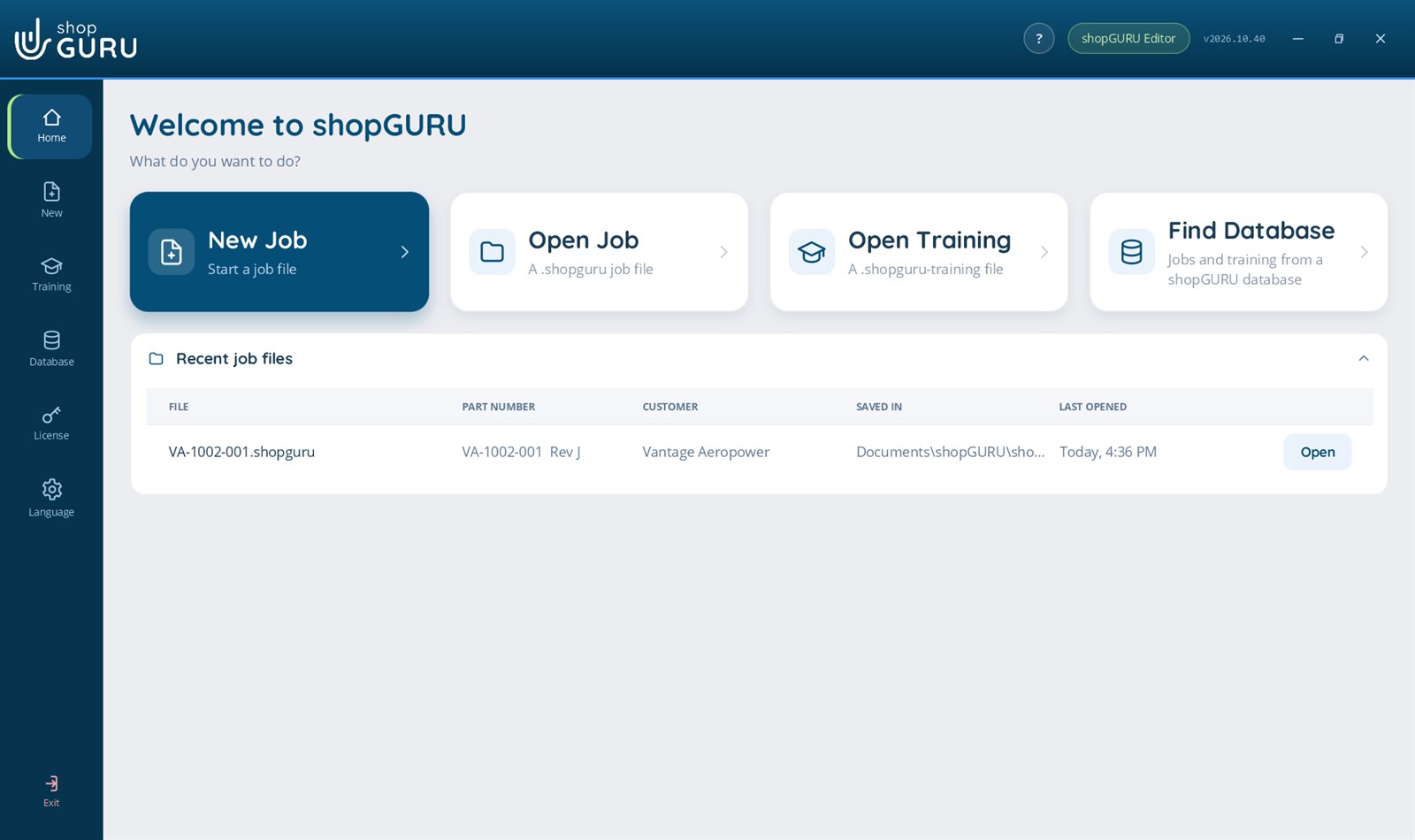
shopGURU Network runs the whole shop from its own server. shopGURU Desktop puts the same Job Files and training on one PC with no server: shopGURU Operator to look, shopGURU Editor to make and change. The files move between them.

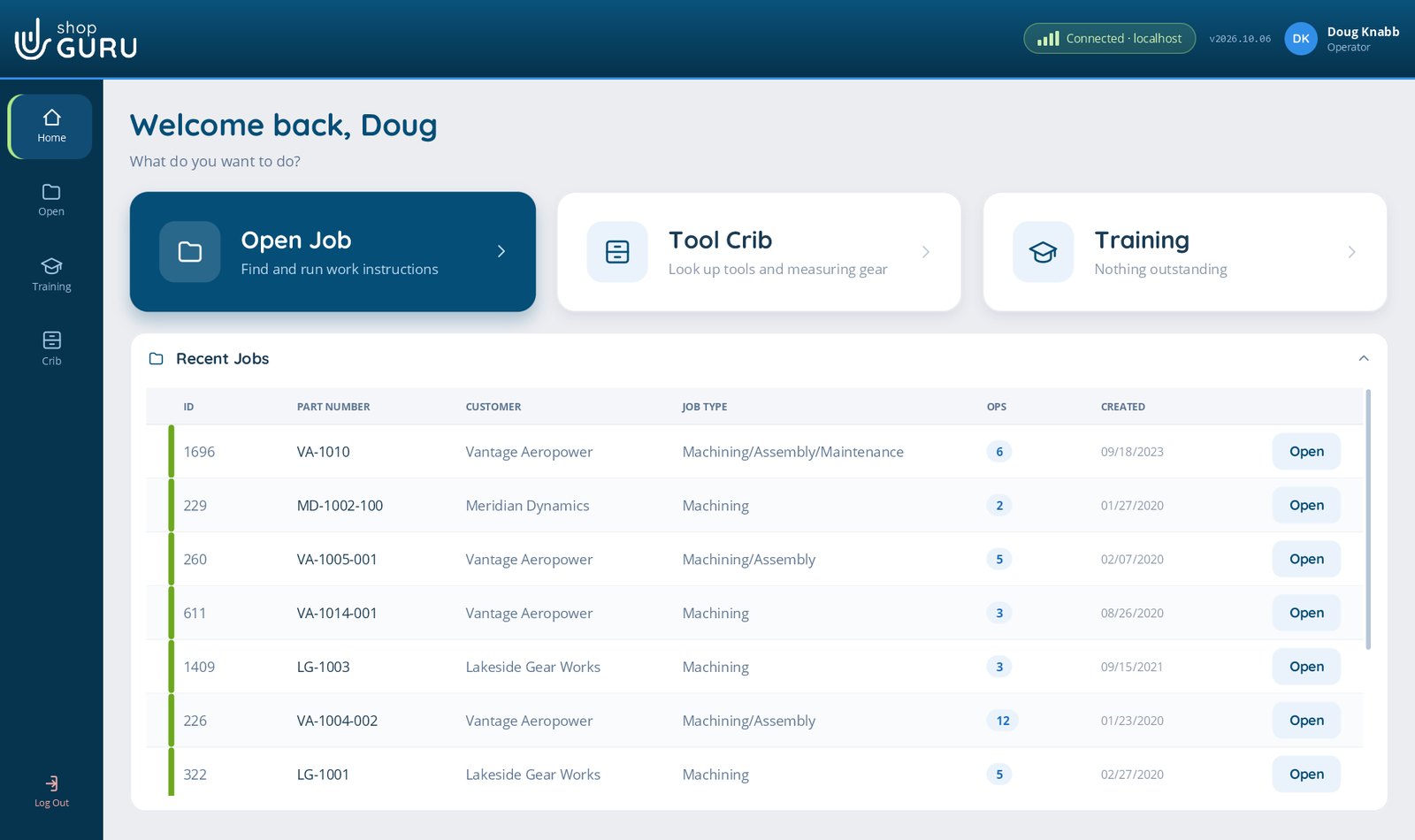
shopGURU Network home: Open Job, Tool Crib and Training, with the shop’s recent jobs

For the whole shop

shopGURU Network

The server in your shop and shopGURU on every PC and tablet. Everyone signs in, works from one library and leaves a record.

Talk to us
Work out what it saves with the ROI calculator

  • Job Files, gated Stepped Processes, Visual Aid and video
  • Tool Crib, inspection, First Article and Revision Watch
  • Sign-ins, roles, approvals and an audit trail
  • Training: assign, mark, sign off and report
  • Runs on your own server, never in a vendor cloud
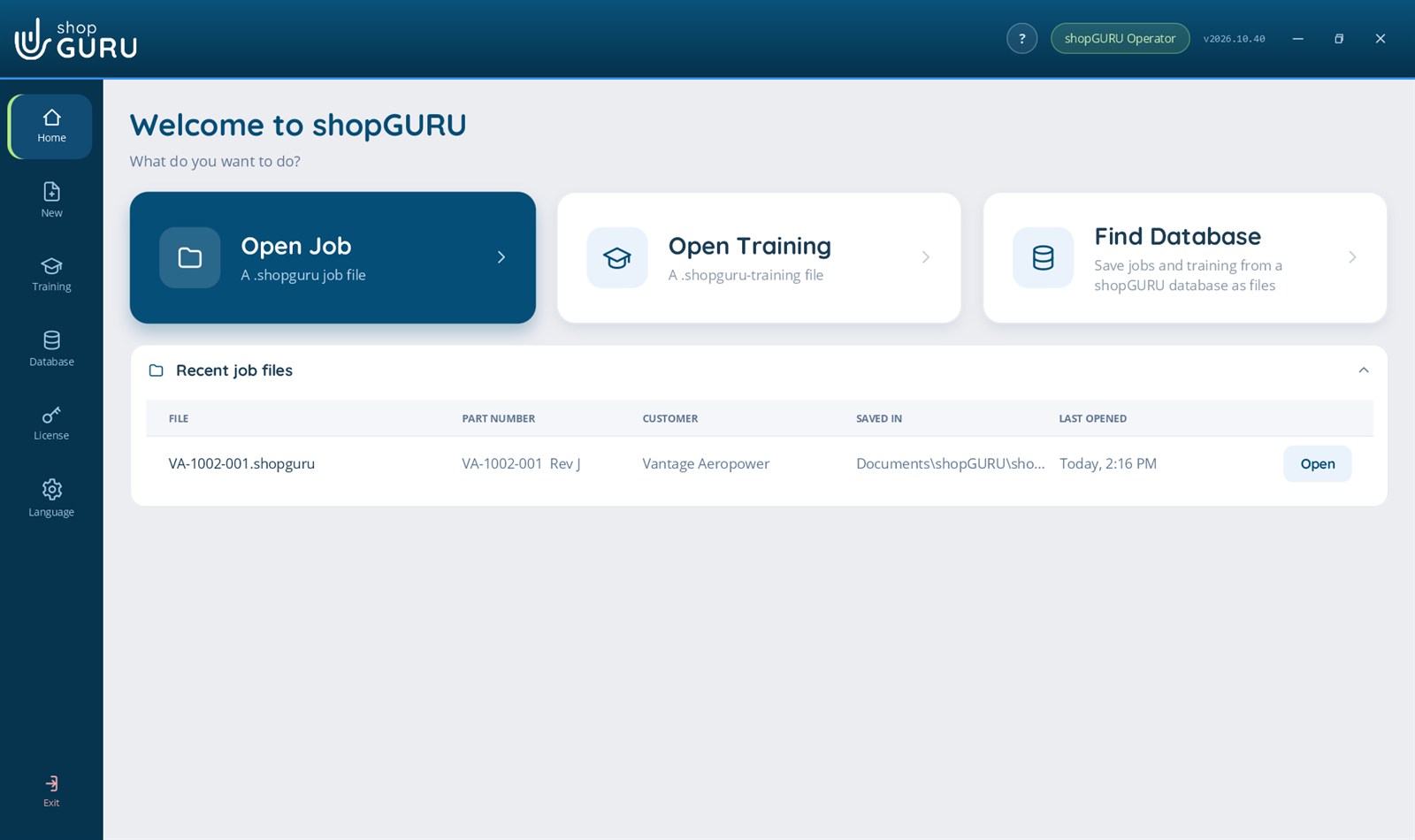
shopGURU Operator home: Open Job, Open Training and Find Database, with recent job files

shopGURU Desktop · one PC

shopGURU Operator

Open shopGURU Job Files and training modules on any Windows PC, exactly as the shop wrote them. View only.

$19.99 a month
or $199 a year

  • Job Files: setup, tooling, workholding, inspection, documents and drawings
  • View Visual Aid photos and videos, and 3D models
  • Training modules, quick checks included, nothing scored
  • No server to install

shopGURU Desktop prices in US dollars. Monthly plans have a 12-month minimum, then run month to month.

Compare

What each one does

FeatureshopGURU NetworkWhole shopshopGURU OperatorDesktop · view onlyshopGURU EditorDesktop · make and change
Where it runs
Who uses itThe whole shopOne personOne person
What you installA server, and shopGURU on each PCOne app on one PCOne app on one PC
Windows 10 or 11, 64-bitIncludedIncludedIncluded
How it is licensedFloating seats, taken at sign-inOne PC per licenseOne PC per license
Works without the internetIncludedAbout a weekly checkAbout a weekly check
Job Files
Open Job Files: setup, tooling, workholding, inspection, documents, drawingsIncludedIncludedIncluded
View Visual Aid photos and videos, and 3D modelsIncludedIncludedIncluded
Add Visual Aid photos and videos, mark them upIncludedNot includedIncluded
Make new Job FilesIncludedNot includedIncluded
Change and save Job FilesIncludedNot includedIncluded
Gated steps in a Stepped Process: each step verified and recordedIncludedNot includedNot included
Inspection readings and First Article sign-offIncludedNot includedNot included
Revision Watch on the drawings folderIncludedNot includedNot included
Training
Take training modules, with quick checksIncludedNot scoredNot scored
Make and edit training modulesIncludedNot includedIncluded
Assign, mark, sign off and report on trainingIncludedNot includedNot included
The shop around the job
Tool CribIncludedNot includedNot included
Sign-ins, roles and approvalsIncludedNot includedNot included
Audit trail and reportsIncludedNot includedNot included
Five languages, translated on your own serverIncludedNot includedNot included
Files
Open a Job File (.shopguru) or training module (.shopguru-training) sent to youImportIncludedIncluded
Save Job Files and training as files to sendExportNot includedIncluded
Save the jobs and training in an old shopGURU database as filesNot includedIncludedIncluded

The files move

Write it in one, open it in another

shopGURU Network

Export a Job File or a training module as one file.

shopGURU Operator

Double-click it and look, exactly as the shop wrote it.

shopGURU Editor

Make or change it, save it, and send it back to be imported.

Questions

Good to know

Can a Job File move between shopGURU Network and shopGURU Desktop?

Yes, both ways. In shopGURU Network, export a Job File (.shopguru) or a training module (.shopguru-training) and send it; shopGURU Operator and shopGURU Editor open it with a double-click. A Job File made or changed in shopGURU Editor is saved as the same kind of file, and shopGURU Network imports it as a job of its own. The setup, the tooling, the photos, the videos and the documents travel inside the file.

Which one do I need?

If several people in the shop write, run and sign off jobs, shopGURU Network: one server, everyone signed in, the Tool Crib, approvals and records. If one person needs to look at Job Files on their own PC, say a customer, a supplier, or a setter at home, shopGURU Operator. If that person also makes or changes Job Files and training, shopGURU Editor.

Do Operator and Editor need a server?

No. shopGURU Desktop is one install on one Windows PC, with nothing else to set up. The license key decides whether it is shopGURU Operator or shopGURU Editor.

Can I start with shopGURU Desktop and move to shopGURU Network later?

Yes. Every Job File and training module you made in shopGURU Editor is a file, and shopGURU Network imports them. Nothing has to be typed again.

Can I try them first?

shopGURU Desktop has a free 30-day trial of shopGURU Editor, with no card. For shopGURU Network, book a demo and we show it on your own parts; the ROI calculator shows what it saves your shop.

Can I go from Operator to Editor?

Yes, in the app: License, then Upgrade to Editor. You keep the same key.

Not sure which one fits?

Show us how your shop works today, and we show you shopGURU on your own parts.