
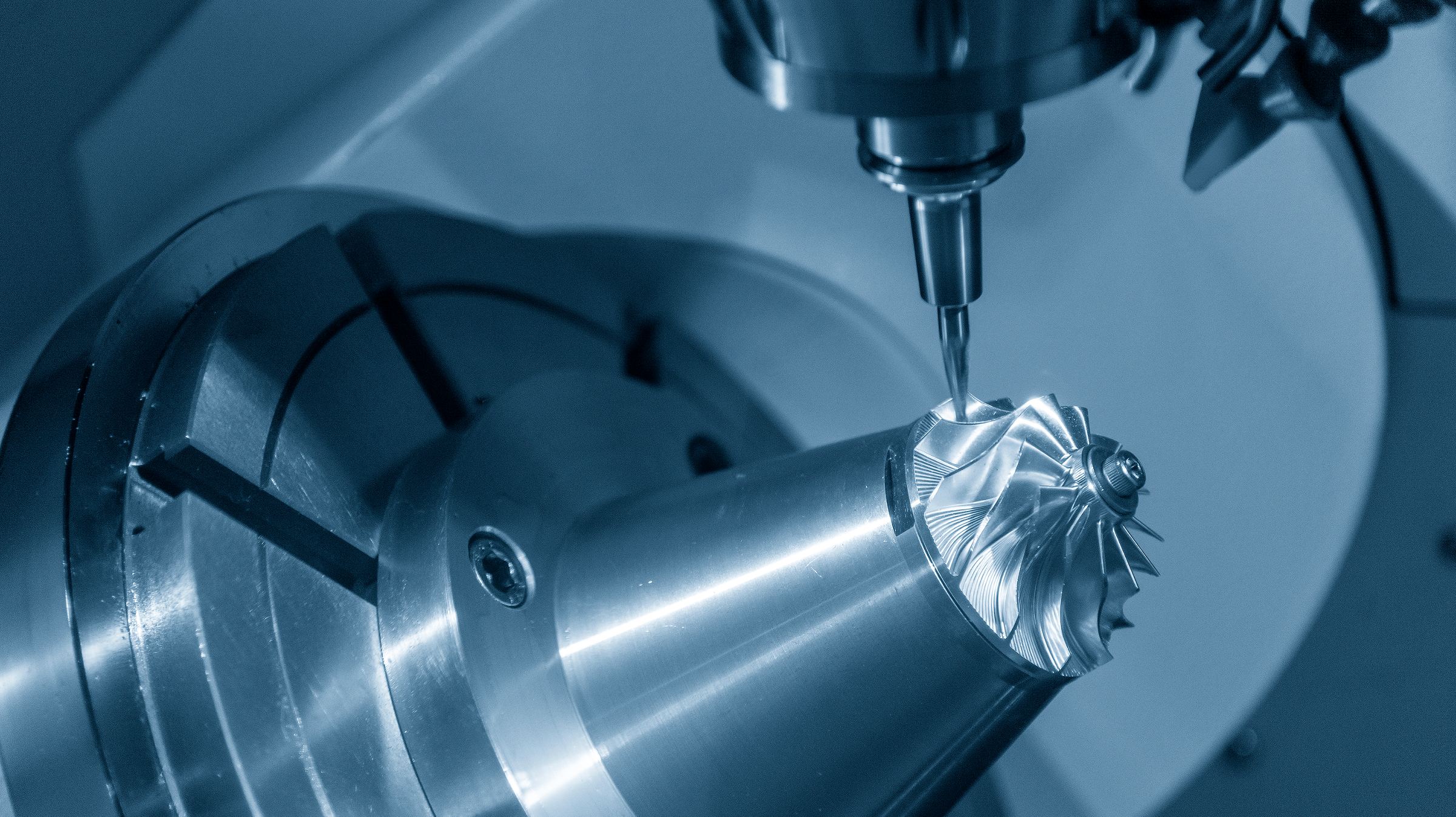

Setup
Step by step, with photos, from a clean machine to a running first part.
You know exactly which job is going to sit. You know which operator is going to ask three questions you do not have time for. And you know that the way he does that setup exists nowhere except in his head.
shopGURU is where that knowledge goes instead.
60 minutes, your parts, no obligation
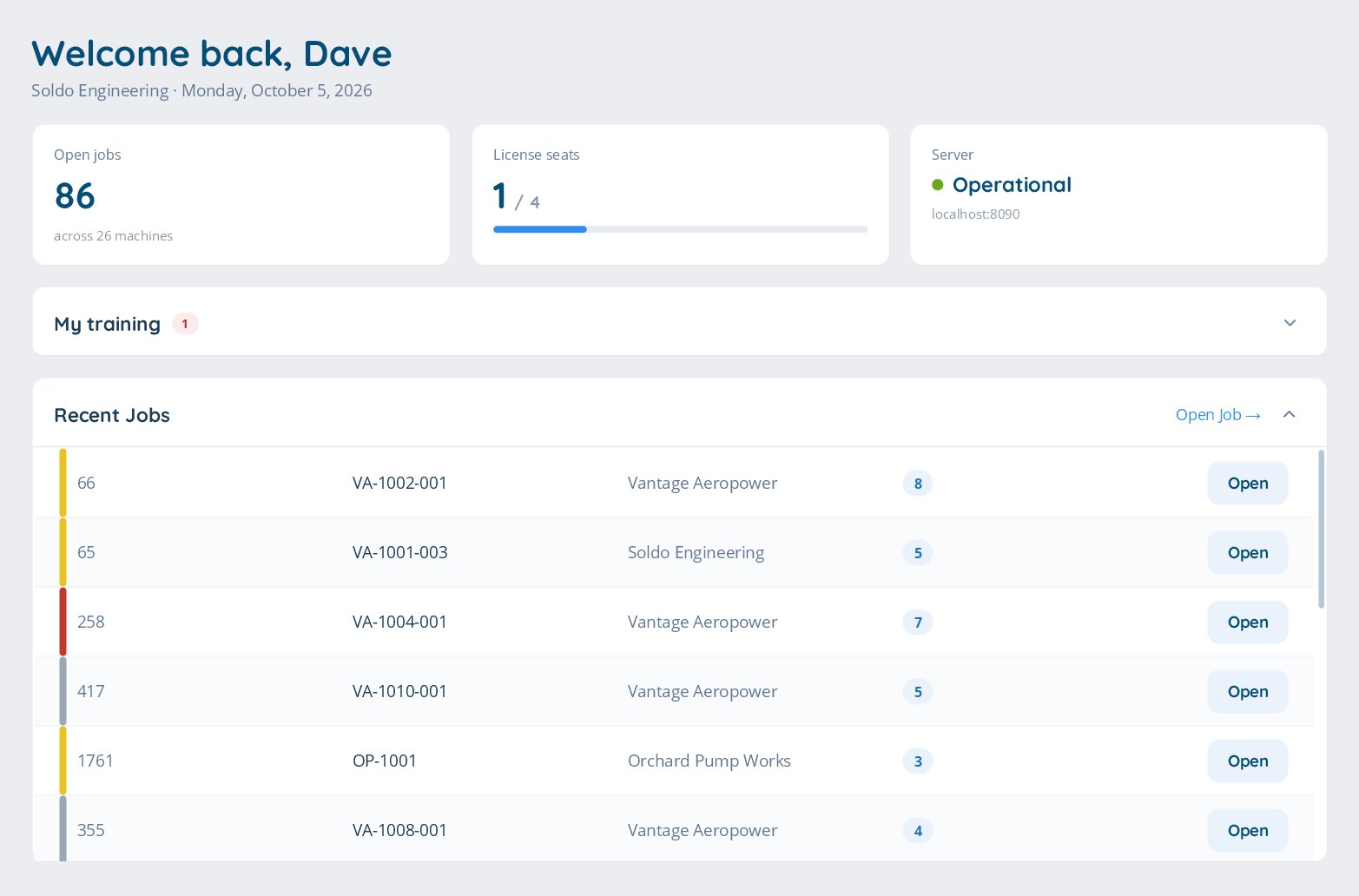
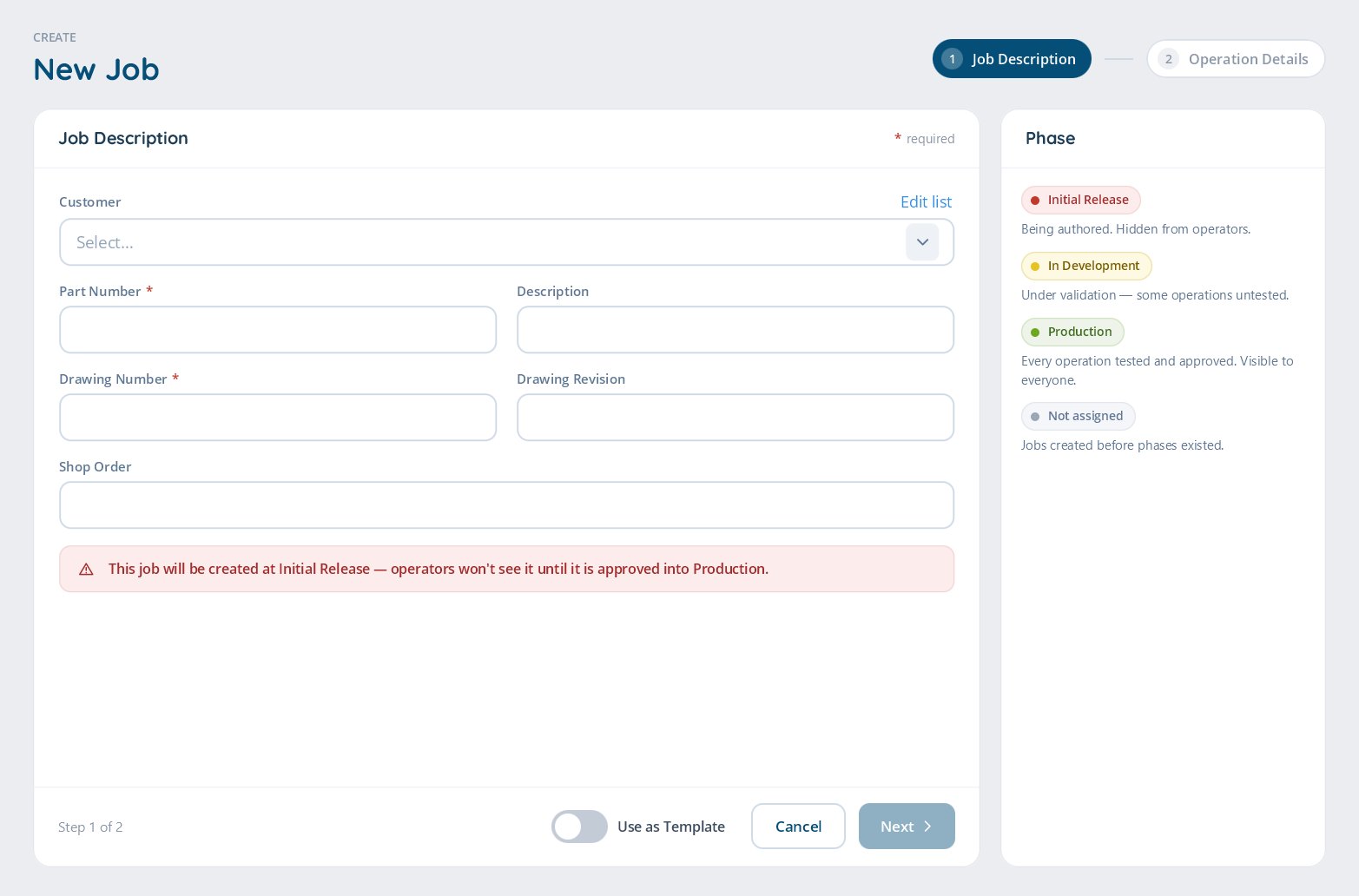
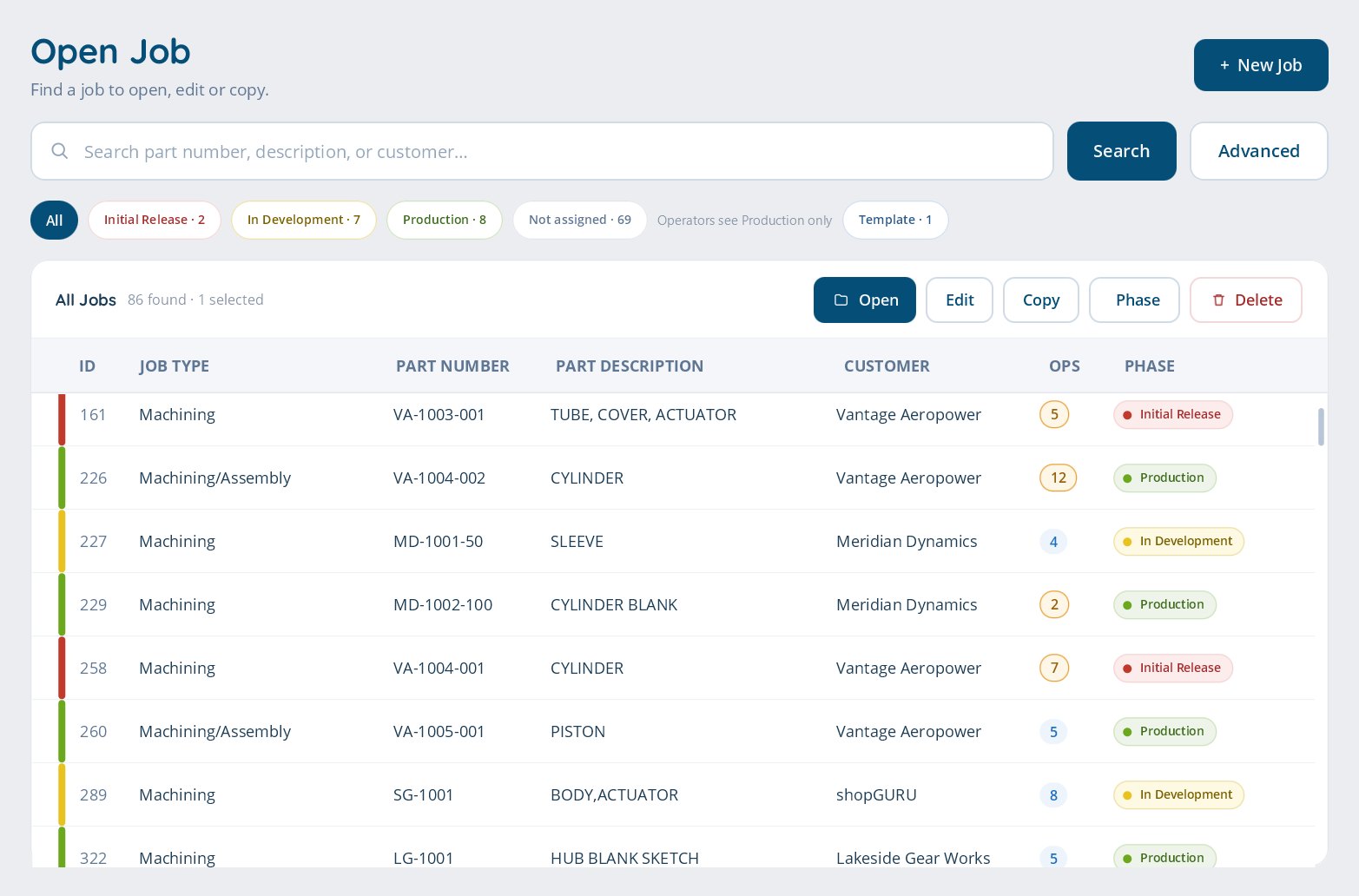
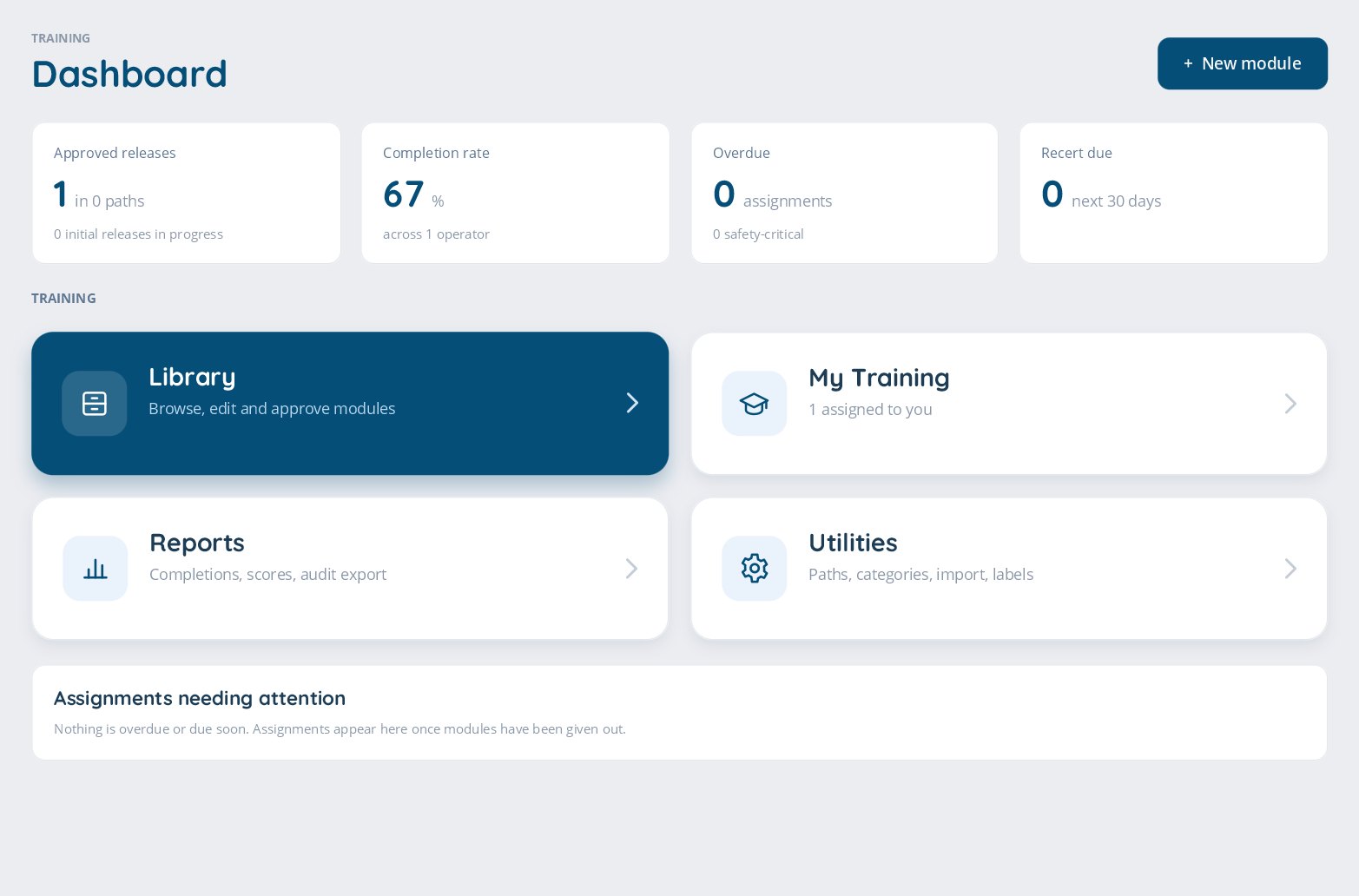
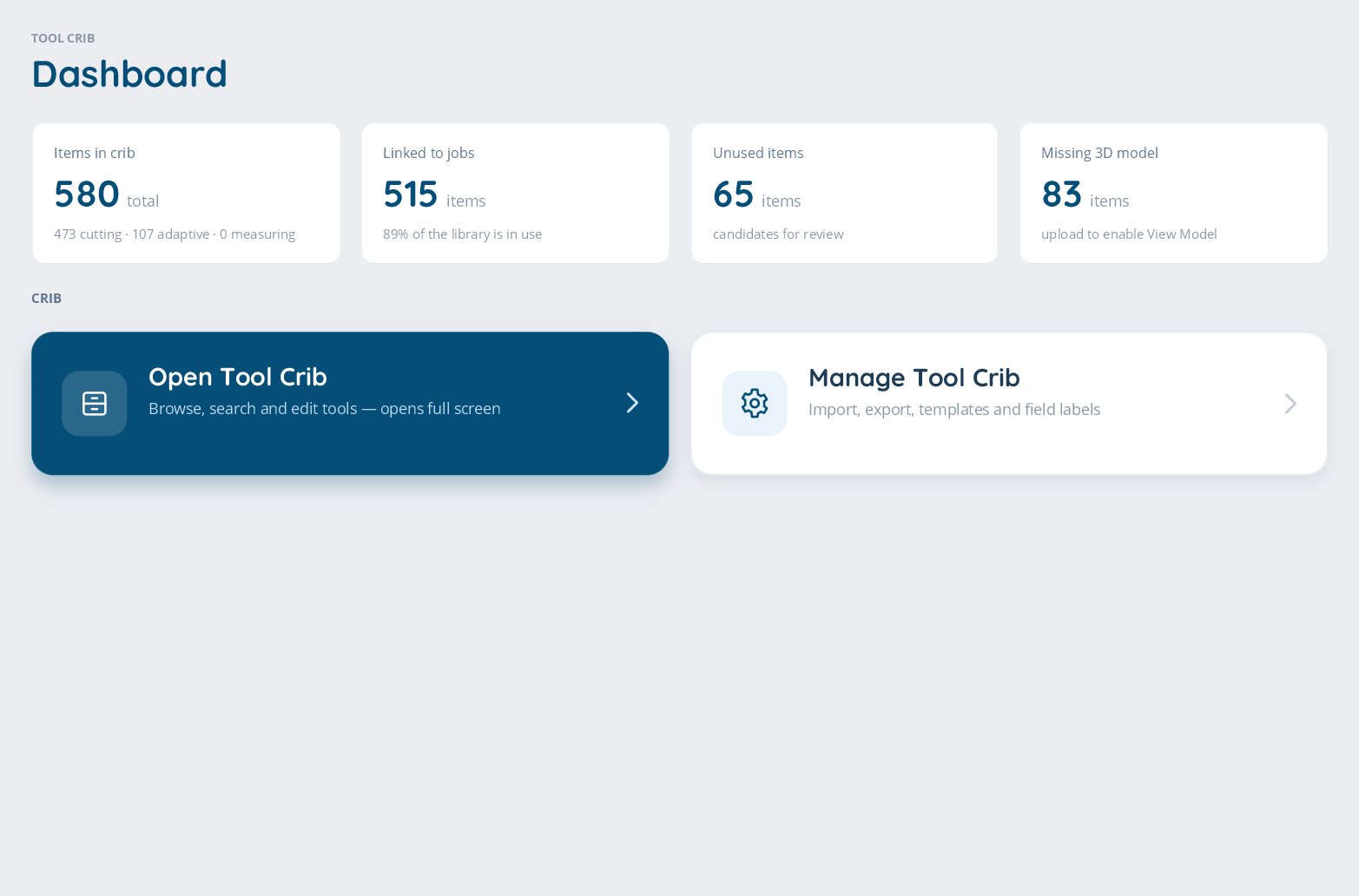
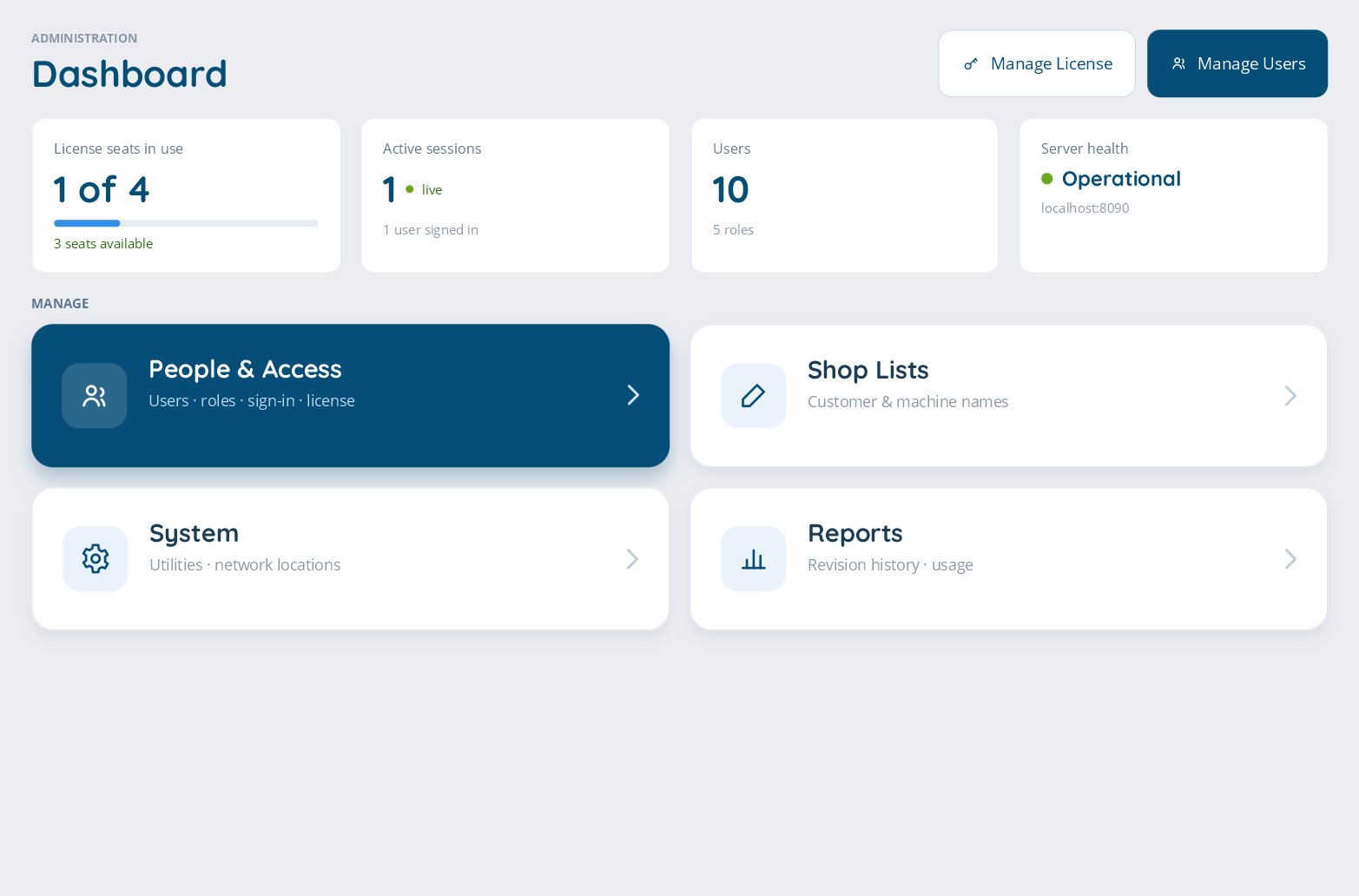
On prem
Your programs and processes stay on your server, never in someone else’s cloud
1 minute
How often an open job checks engineering’s folder for a new drawing revision
4
Separate audit trails: sign-ins, job access, phase changes and the system log
How it works
Next time the job comes back, whoever is on shift follows the same steps and gets the same part. No archaeology, no phone call to the guy who is off today.
Your experienced machinist walks the job the way he always does. Photos, tools, offsets, workholding, and the order it all happens in, recorded while the job runs instead of written up afterward.
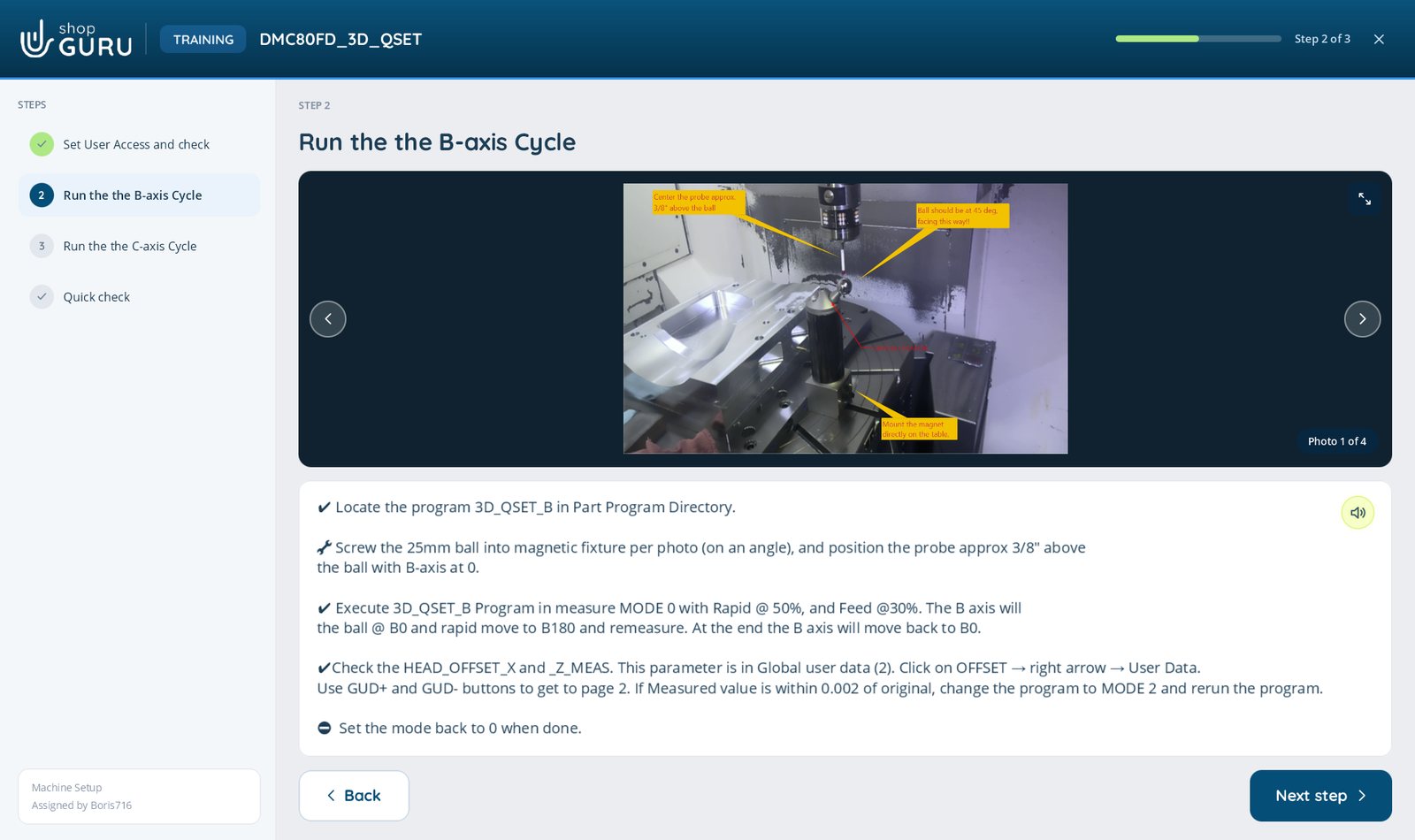
On a tablet at the machine. Large type, clear steps, drawing open on a second screen. Readable with safety glasses on and coolant on your hands.
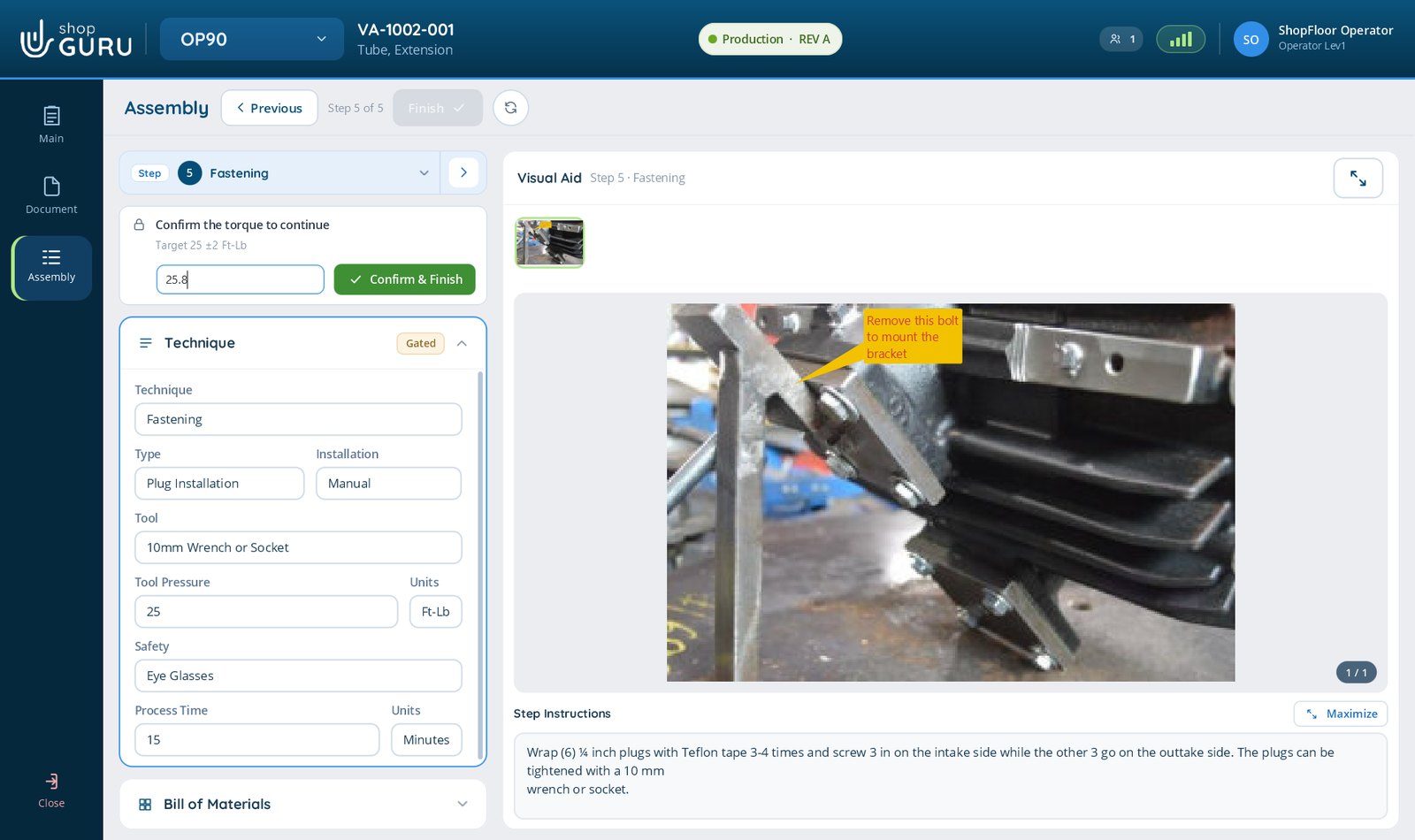
A step can require the operator to acknowledge it, or to enter a measurement, before the job will move on. The final step captures the finished part serial number, so what was actually done stays attached to the job.
Capabilities
Step by step, with photos, from a clean machine to a running first part.
Fixtures and orientation recorded once, never reverse engineered again.
Exact tools, holders, and offsets. Wrong tool errors and crashes stop happening.
Pre-recorded checks mean quality is verified the same way on every run.
A Stepped Process captures any repeatable job the same way, with the same step verification behind it.
English, Spanish, German, French and Russian. Each person picks their own at sign-in, and the work instructions your people type are translated too, on your own server, so nothing leaves the building. The video editor now writes captions from what is said, and every viewer reads them in their own language.
Training Add-on
Build training from the way your shop actually works, with the same photos, video and documents as your Job Files. Assign it by role, re-certify on schedule, and keep every completion, score and sign-off ready for an audit.
Who it is for
One needs proof of who authored what. The other needs to build the job file without leaving the machine. shopGURU does both, through the same custom roles.
Regulated manufacturers
Engineering builds the job file. Operators run it read only and only ever see work that has reached production phase. Custom roles, a capability matrix, and an audit trail behind it. Everything stays on your server.
Small and mid-size shops
Capture a photo or record a video at the machining centre, mark it up, and the job file is written as the setup happens. No separate documentation step, no writing it up later, no binder nobody updates.
Verification
A step can be gated. The operator acknowledges it, or types the measurement it calls for, and only then does the next step unlock. Torque to 25 plus or minus 2, entered at the machine by the person who did it.
That is the difference between documenting a process and enforcing one.
On the floor
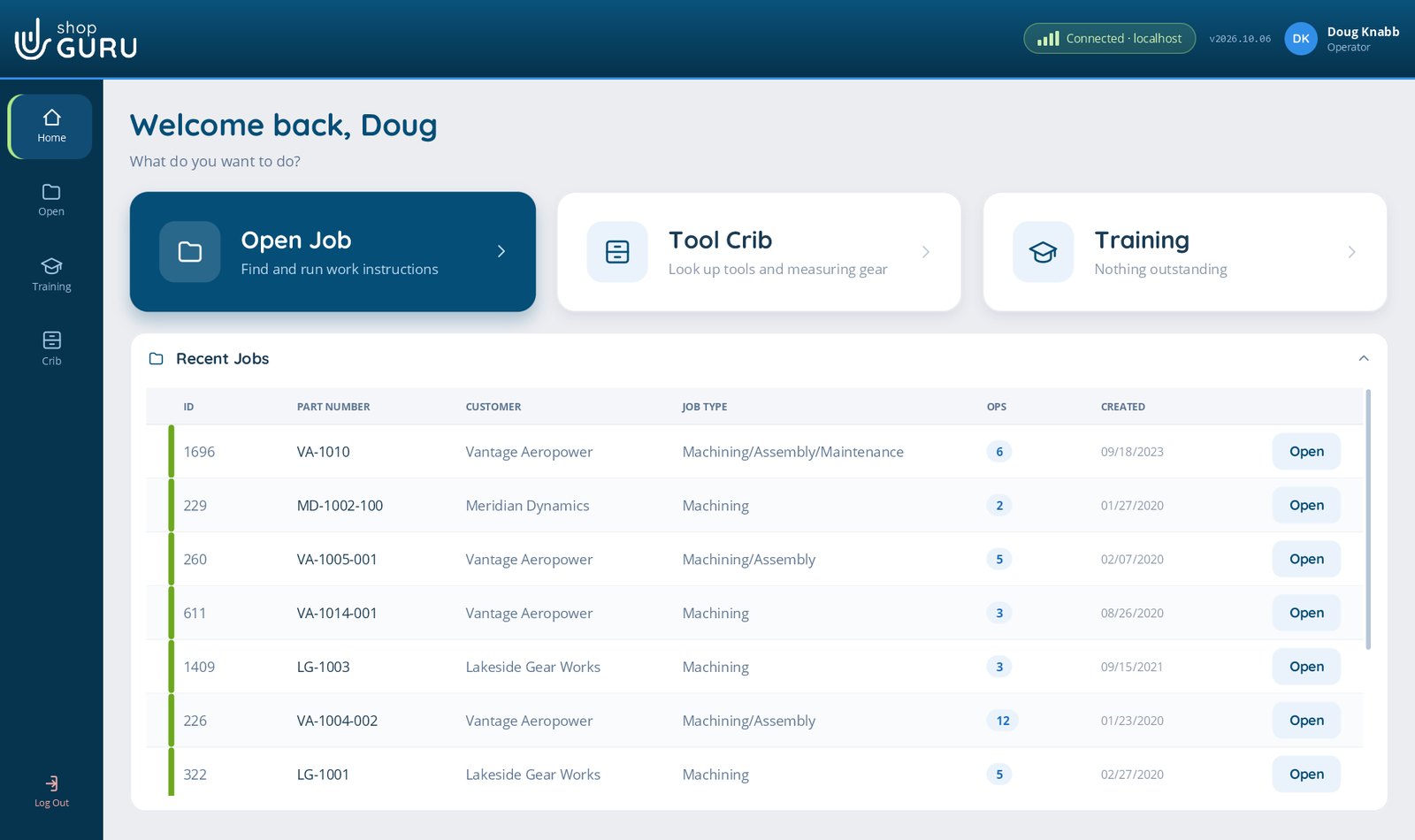
Find a job, run it, look something up in the crib, take the training assigned to them. Nothing else. And only jobs that have reached production phase appear at all, so nobody runs a setup that is still being proved out.
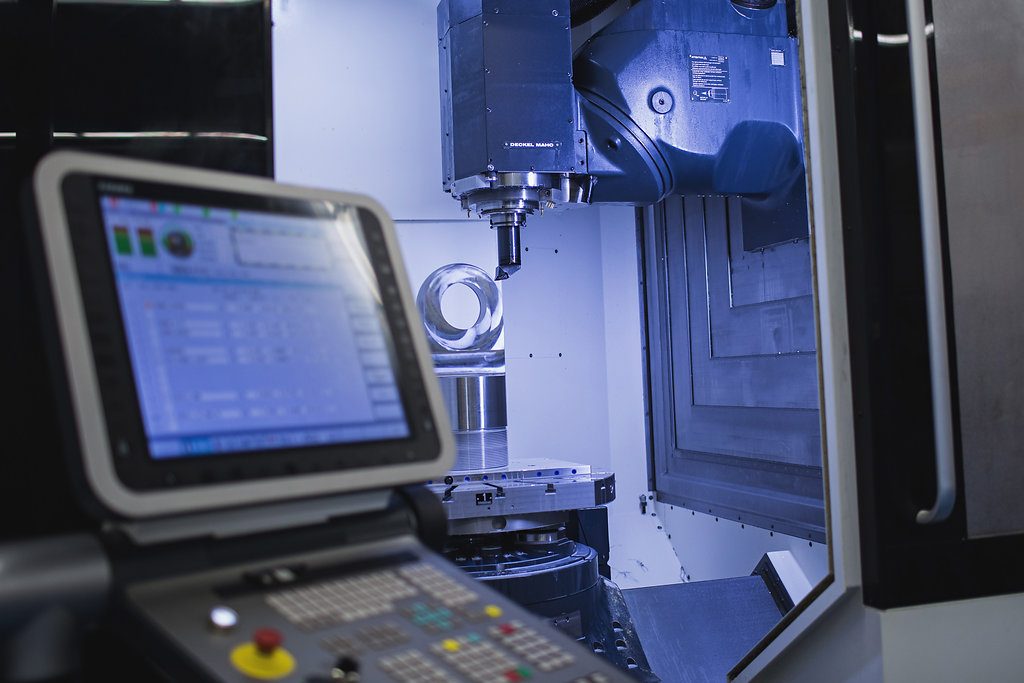
Built for a tablet at the machine rather than a desk. Large touch targets, high contrast, and second monitor support so the drawing stays open while the instructions run.
Built in a real shop
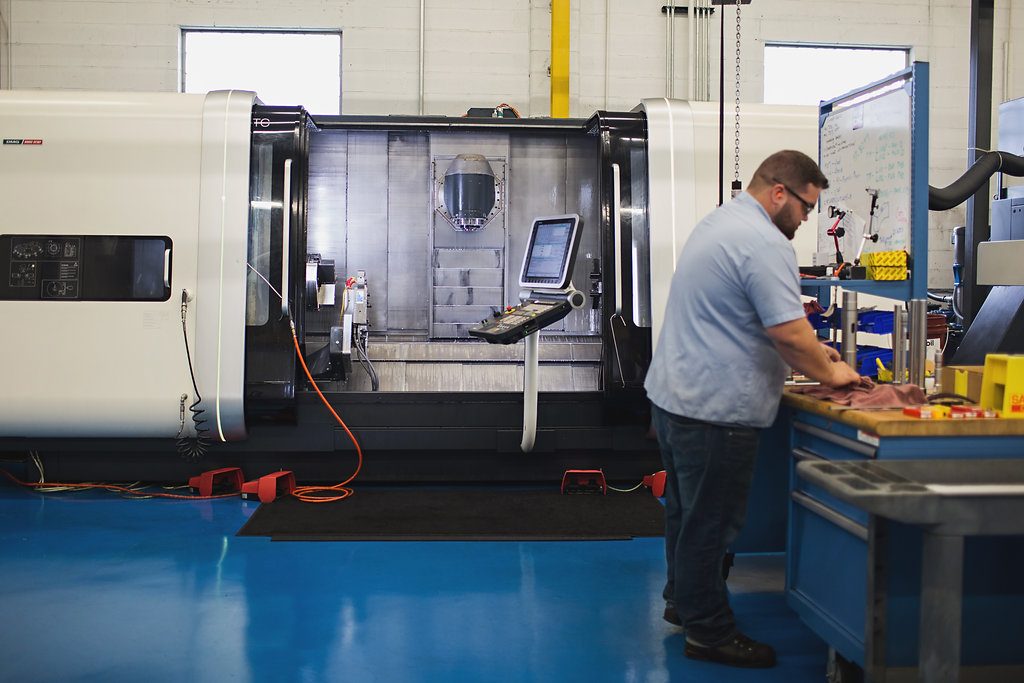
I built this because I ran a shop. Paper and Excel confused my operators, the records were always out of date, and the same mistakes kept coming back. I wanted the setup to be obvious to whoever was standing at the machine.
Boris Soldo
Engineer, 25 years in manufacturing, founder of shopGURU
We will put it in shopGURU and show you what it looks like when anyone can.
Book a demoWe use Google Analytics cookies to see which pages are useful, so we can make the site better. The chat window also keeps a cookie so your conversation follows you from page to page. Nothing is used for advertising. Privacy statement